YouTube Comment GIF Generator
This YouTube comment GIF generator turns any comment into a looping animated GIF. Type the text, choose a style and an animation, and download the file. It is free, adds no watermark and runs in your browser, so it suits video editors, meme makers and anyone who wants a comment that moves.
Last updated:
How to Use the YouTube Comment GIF Generator
Making a comment GIF takes four steps and under a minute. Every change you make shows up in the preview straight away.
- 1
Type the comment
Write up to 140 characters in the Comment box. Add the name that should appear next to the avatar and, if you like, a like count such as 2.4K.
- 2
Pick a style and an animation
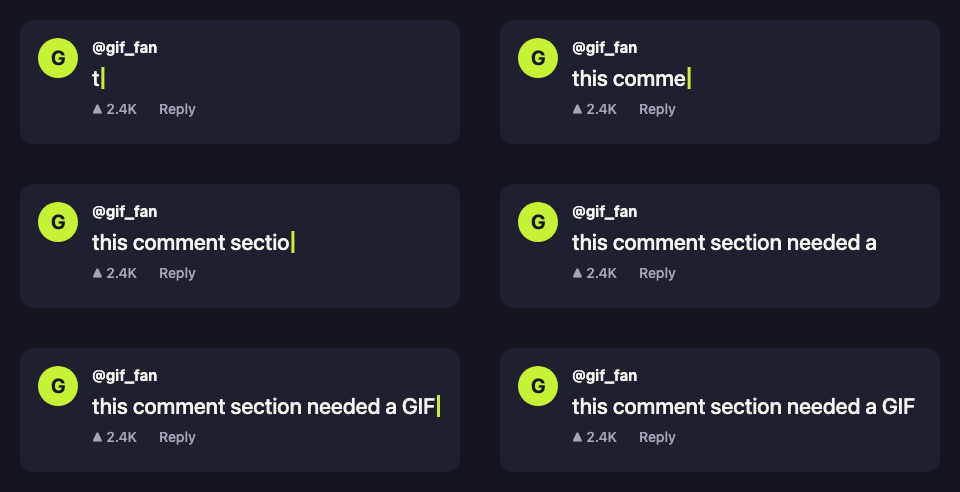
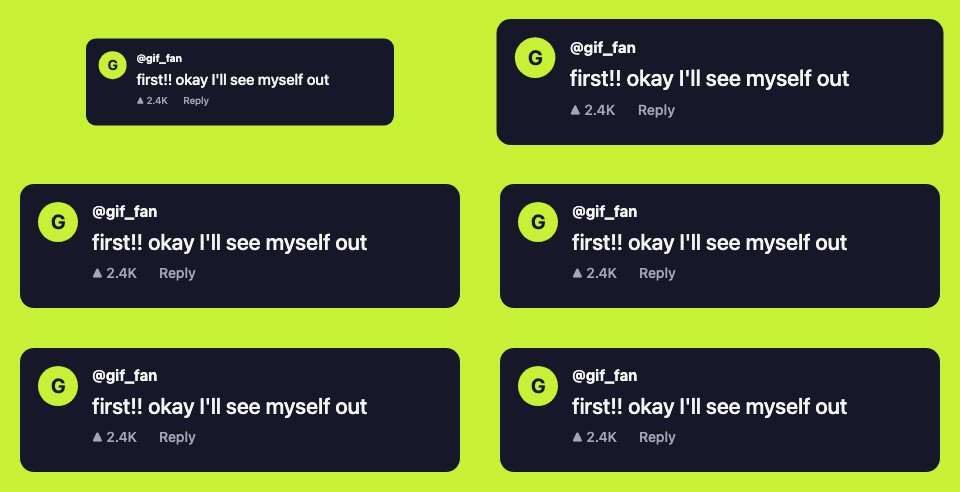
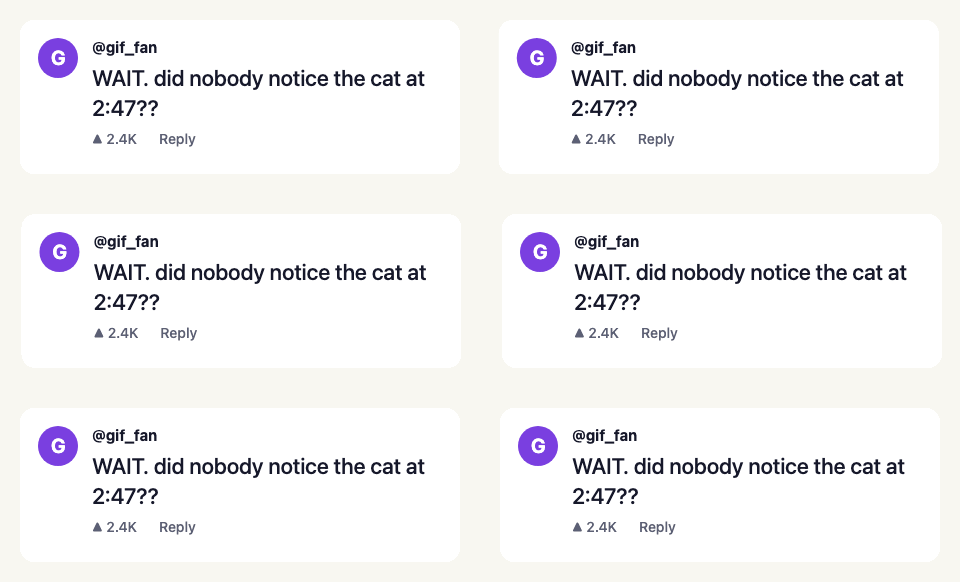
Choose Dark, Light or Lime for the colors. Typing writes the comment out letter by letter, Pop bounces the card in, and Shake rattles it once.
- 3
Check the preview
The preview on the right loops exactly what the file will contain. Long comments wrap onto more lines and the GIF grows taller to fit them.
- 4
Download the GIF
Press Download GIF. Your browser builds the file and saves it as youtube-comment.gif. Nothing is sent to a server.
What the Comment GIF Looks Like
Every GIF is a single comment card on a solid background, sized for chat apps and for layering over video. The three examples below were made with this generator and downloaded unedited; the table lists what it produces today.
| Width | 480 pixels |
|---|---|
| Height | Grows with the text, from about 160 pixels |
| Length | 20 to 54 frames, then a 1.4 second hold |
| Colors | 64 per frame |
| Comment length | Up to 140 characters |
| Cost and watermark | Free, no watermark, no sign-up |
Where You Can Use a Comment GIF
A comment GIF works anywhere that accepts a GIF file. Video editors place it over footage to show a viewer comment, creators share it in Discord and Reddit threads, and channel owners attach it to community posts and newsletters.
It does not work inside YouTube comments themselves. YouTube only lets you pick GIFs from its own library there, and files from your device are not accepted. To post a GIF under a video, follow how to comment a GIF on YouTube, or start from the YouTube comment GIF overview.
YouTube Comment GIF Generator Questions
- What is a YouTube comment GIF generator?
- It is a tool that draws a video comment, with an avatar, a name, the text and a like count, and saves it as an animated GIF. This one runs entirely in your browser, so the comment you type never leaves your device.
- Can I post the GIF I make here in a YouTube comment?
- Not directly. YouTube comments only accept GIFs picked from YouTube’s own library, and a file from your computer cannot be attached. Use the GIF in video edits, Discord, Reddit, community posts or messages, and follow our guide to post library GIFs in comments.
- How do I make a GIF of a YouTube comment for a video edit?
- Type the comment exactly as it appears, set the name and likes, choose the Typing animation and download. Drop the GIF onto a layer above your footage. The Dark and Light styles have a solid background that is easy to crop or key.
- Is the YouTube comment GIF generator free?
- Yes. There is no account, no limit on how many GIFs you make and no watermark on the file. The GIF is created on your device, so it costs nothing to run.
- Does the generator copy the real YouTube design?
- No. It draws a generic comment card in its own colors and does not use YouTube’s logo or interface. Do not use it to pass off a made-up comment as something a real person wrote.