YouTube GIF Extension: Add a GIF Button to Comments
A YouTube GIF extension adds a GIF button to the desktop comment box. See what it does, what it cannot do, how to install it in Chrome or Firefox, and if it is safe.
A YouTube GIF extension is a browser add-on that puts a GIF button in YouTube's comment box, so you can post an animated GIF the way you would in a chat app. YouTube's desktop site has no such button of its own, which is why an extension is needed. The free YT Comment GIF extension does this in Chrome, Edge, Brave and Firefox. This page explains what it does, what it does not do, and how to install it.
What a YouTube GIF Extension Does
The extension adds a GIF button beside the emoji button under every video and Short. Click it, search Tenor's GIF library or paste a Tenor link, and click a GIF to post it as your comment. Other viewers see an ordinary GIF comment and do not need the extension.
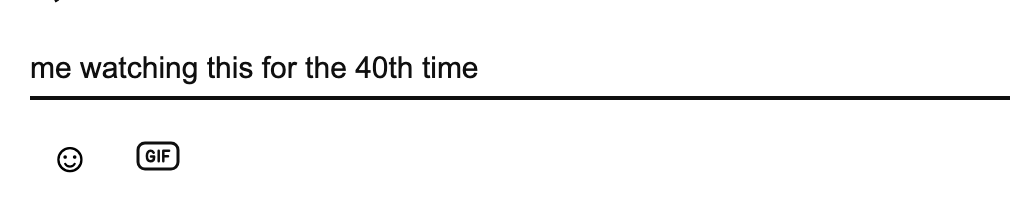
The extension's GIF button, next to the emoji button.
The picker also keeps favorites: point at a GIF and click the star, and the star button beside the search field shows everything you saved.
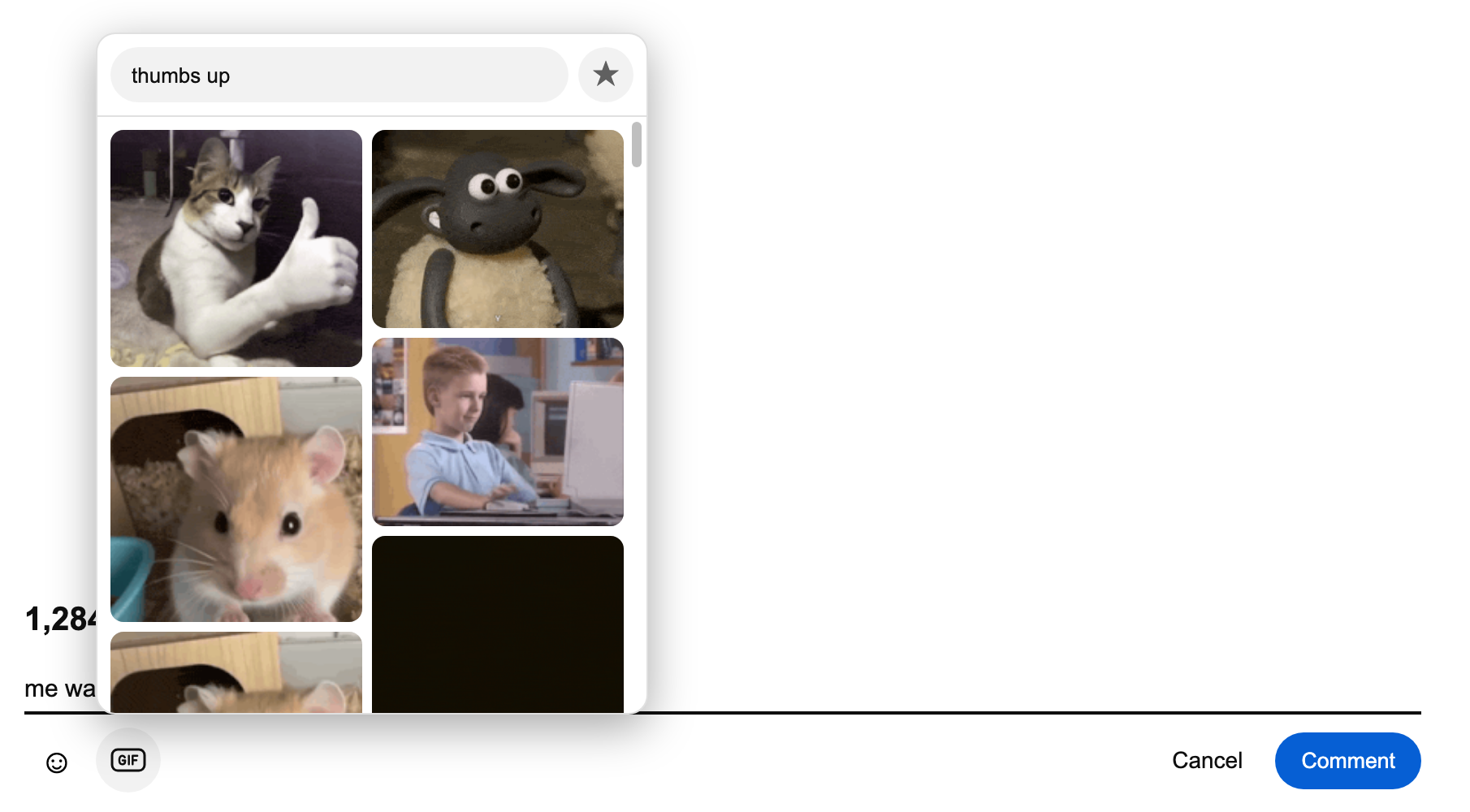
Searching the picker for "thumbs up".
Two Kinds of YouTube GIF Extension
Searching for a YouTube GIF extension returns two different things, and it is worth knowing which one you want.
| You want to... | What you need | Does YT Comment GIF do it? |
|---|---|---|
| Post a GIF in a YouTube comment | A GIF-in-comments extension | Yes |
| Turn a clip of a video into a GIF | A video-to-GIF converter or screen recorder | No |
| Turn a comment's text into an animated GIF | A comment-to-GIF generator | Use the generator |
YT Comment GIF is the first kind. It posts GIFs from Tenor and does not cut GIFs out of the video you are watching.
How to Install the YouTube GIF Extension
The extension is waiting for review in the Chrome Web Store and Firefox Add-ons, so for now you load it from a ZIP file. It takes about a minute.
- Download the ZIP for your browser: Chrome, Edge and Brave or Firefox.
- In Chrome, Edge or Brave, unzip it, open
chrome://extensions, turn on Developer mode and click Load unpacked. In Firefox, keep the ZIP, openabout:debugging#/runtime/this-firefoxand click Load Temporary Add-on. - Open a YouTube video and look for the GIF button in the comment box.
Firefox removes a temporary add-on when the browser closes, so repeat step 2 after a restart. The full walkthrough with screenshots is in how to comment GIF on YouTube.
Which GIFs the Extension Can Post
The limits come from how YouTube answers GIF comments, not from the extension.
| Rule | Effect |
|---|---|
| Tenor GIFs only | A GIF file from your computer cannot be posted |
| G-rated GIFs only | YouTube turns down GIFs Tenor does not rate for everyone |
| New comments and replies only | You cannot add a GIF while editing an existing comment |
Is the YouTube GIF Extension Safe?
YT Comment GIF is open source under the GPL-3.0 license and based on Desktop GIFs by rayytor. It needs no account or API key, collects nothing and never reads your YouTube credentials: YouTube's own page sends the comment and the extension only adds the GIF to it. Search requests go to Tenor without your cookies.
It is unofficial and not affiliated with YouTube, Google or Tenor. It can stop working when YouTube changes something, and using it is at your own risk under YouTube's Terms of Service. Until the store listings are live, updating means downloading the new ZIP and loading it again.
Frequently Asked Questions
Is there an official YouTube GIF extension?
No. YouTube added a GIF option to its phone app in autumn 2026, but the desktop site has no GIF button, and YouTube publishes no extension for it.
Does the extension work in Chrome, Firefox and Edge?
Yes. Chrome, Edge and Brave use the Chromium ZIP; Firefox uses its own ZIP.
Can the extension make a GIF from a YouTube video?
No. It posts existing Tenor GIFs into comments. To make a GIF out of a comment's text, use the YouTube comment GIF generator.
Do the people reading my comment need the extension?
No. The comment is a normal YouTube GIF comment, so everyone sees it as an animated GIF.
For the current status of GIF comments on YouTube, see the YouTube comment GIF overview.